Professional DJ equipment diagnostics
Know your gear works before it matters
DeckDiag walks you through every button, fader, knob and output of your players, mixers and turntables, then gives you a clear result and a report you can share. Before the show, before the sale, before and after the repair.
Free. Now in beta on iPhone, iPad and Mac. No account, no ads, no tracking. A free tool from TheFixer.
One app, three jobs
Pick your mode when you start. You can switch any time.
Pre-show quick check
For DJs and sound technicians
Check a unit in a few minutes with one tap per test, and finish with a clear READY FOR THE SHOW result.
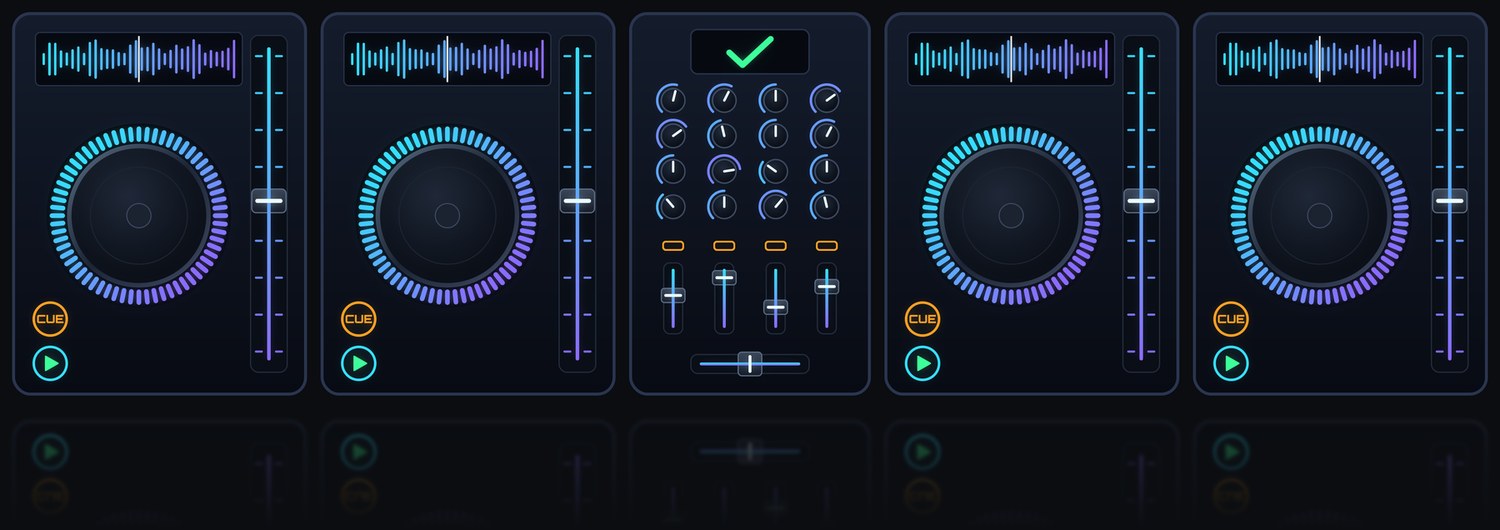
- Check a whole booth: four players and a mixer under one event and stage
- Branded one-page summary for the production crew
- Firmware compared with the bundled reference
Service and repair
For repair technicians
Full diagnostics with a before-and-after comparison and a professional report for the customer.
- PDF service reports with photos of faults
- Liquid-damage inspection with photo evidence
- Built-in parts reference: 4,700+ part numbers for 9 Pioneer DJ and AlphaTheta models
Buying and selling used gear
For anyone trading equipment
Check every control before you hand over the money. Selling? Send the buyer the saved report so they can see it all works.
- Control-by-control results, not a guess
- Report shows the date, the unit and who checked it
Check the whole booth over the network
On Mac, connect to the booth’s PRO DJ LINK hub to discover compatible equipment and check link health. iPhone and iPad network scans are awaiting Apple’s multicast entitlement; they are not yet confirmed available.
Listen-only link check
On by default
Finds each unit by name and player number and watches its link heartbeat, so a bad LINK cable, port or hub shows up before the show.
- Every player and the mixer in one scan
- Heartbeat timing, dropouts and duplicate player numbers
- BPM and tempo when the equipment broadcasts that status
Full Link check
Optional, off by default
DeckDiag joins the link for about 10 seconds as an extra player, so every player reports its full status. Then it leaves.
- Firmware version, read from the player itself
- Play state, source slot and link-sharing status when reported by the player
- USB / SD media: track count and free space, with a warning when nearly full
Tested on real hardware
Pioneer DJ CDJ-2000 bench tests, September 2026
Two players checked through a link hub, button by button and over the network.
- 31 USB controls confirmed on both decks
- Link heartbeat measured at 2.00 s with zero misses; a pulled cable caught at once
- Tempo fader sweeps recorded end to end on both decks
How it works
Connect the unit if it supports it, or follow the guided checklist. DeckDiag never sends playback, configuration or firmware commands to your equipment.
Connect or pick the model
Supported players connect over USB so DeckDiag can see each button press, fader move and jog turn. Every other model gets a guided manual checklist.
Work through the checks
Large prompts, one control at a time. Automatic checks confirm themselves; manual ones take a single tap.
Get the result
A clear verdict, every failed test listed, and photos, notes and part numbers attached.
Share the report
Save a branded summary image or a PDF and send it by Messages, email or AirDrop.
Keep the crew in sync
Share event files, or link an event to a folder you choose on iPhone, iPad or Mac. DeckDiag reads teammates’ event files and writes this device’s updates there. Newer unit results are merged into the event.
A linked folder can sync through your chosen cloud or network provider. Anyone with access to that folder may be able to read its event data. This is optional and uses no DeckDiag account.
Free for DJs, Pro for technicians
The pre-show quick check, buying and selling checks and the network link check are free, with no test limit. A planned Pro yearly subscription adds the service and repair tools for technicians.
DeckDiag is currently in beta and everything is free during the beta. Pro is not available to buy yet. See pricing details.
Works with
Guided checks for these models today. Coverage keeps growing; ask for yours.
Players
- CDJ-2000Pioneer DJ
- CDJ-2000NXS2Pioneer DJ
- CDJ-3000Pioneer DJ
- CDJ-3000XAlphaTheta
- XDJ-1000MK2Pioneer DJ
Mixers
- DJM-750MK2Pioneer DJ
- DJM-900NXSPioneer DJ
- DJM-900NXS2Pioneer DJ
- DJM-A9Pioneer DJ
- DJM-S11Pioneer DJ
- DJM-S5Pioneer DJ
- DJM-S7Pioneer DJ
- DJM-V10Pioneer DJ
- Xone:92 MK2Allen & Heath
- Xone:96Allen & Heath
- Xone:PX5Allen & Heath
Turntables
- SL-1200GRTechnics
- SL-1200M3DTechnics
- SL-1200M5GTechnics
- SL-1200MK2Technics
- SL-1200MK5Technics
- SL-1200MK7Technics
Private by design
DeckDiag works offline and needs no account. Your checks, reports, photos and customer details stay on your device unless you share them or link a shared event folder. It does not send playback, configuration or firmware commands. The optional Full Link check sends local announcements and, if enabled, read-only media-summary requests. Read the privacy policy.
Help shape DeckDiag
The beta is open to DJs, sound techs and repair technicians. Email us with the Apple ID you use for TestFlight and what gear you work with.
Request a beta invite